

HELP CENTER
Find the issue, then take the shortest path
Content is based on the current extension help and architecture, reorganized into web-friendly steps.
Quick start
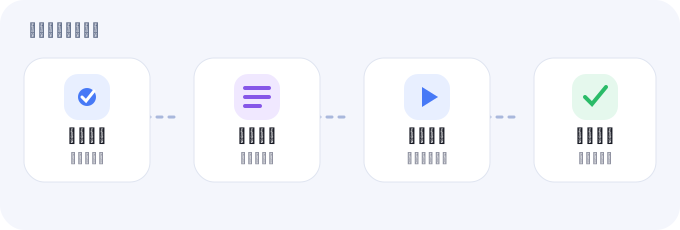
Open a signed-in target page, confirm the editor is ready, choose a task type, enter prompts, preview, then queue.
Create text tasks
Keep one multiline prompt, split non-empty lines, or send a whole block. Repeats multiply the final task count.
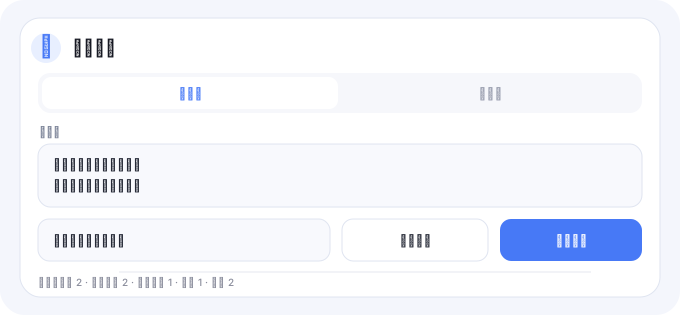
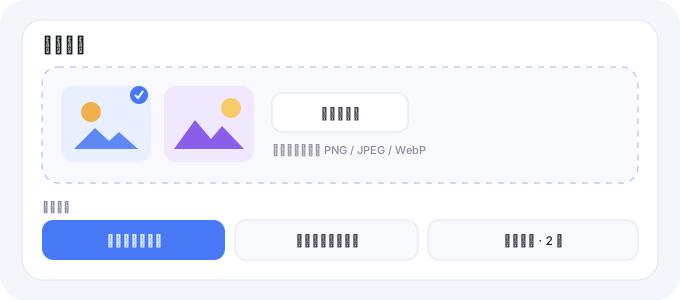
Image prompting and combinations
Use PNG, JPEG or WebP references as individual images, one group, or primary-image pairings.
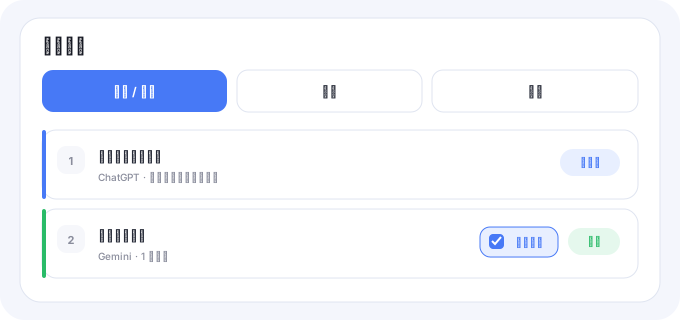
Queue and auto-confirm
The queue runs serially. Pause stops new claims; uncertain evidence waits for human review instead of resending.
Downloads, local backup and diagnostics
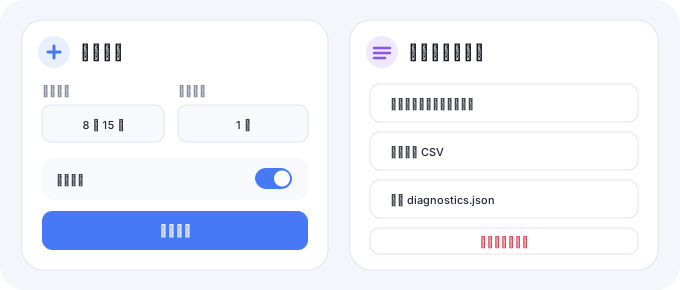
Download one image, one task or a batch; export complete backup, CSV and privacy-conscious diagnostics.
Membership and local data
After expiry, new automation is locked, while existing local content remains readable, exportable, downloadable and removable.
Still stuck?
Contact QQ group 302361949 with the platform, steps, observed error, task screenshot and exported diagnostics.json. Never send cookies, tokens or passwords.